
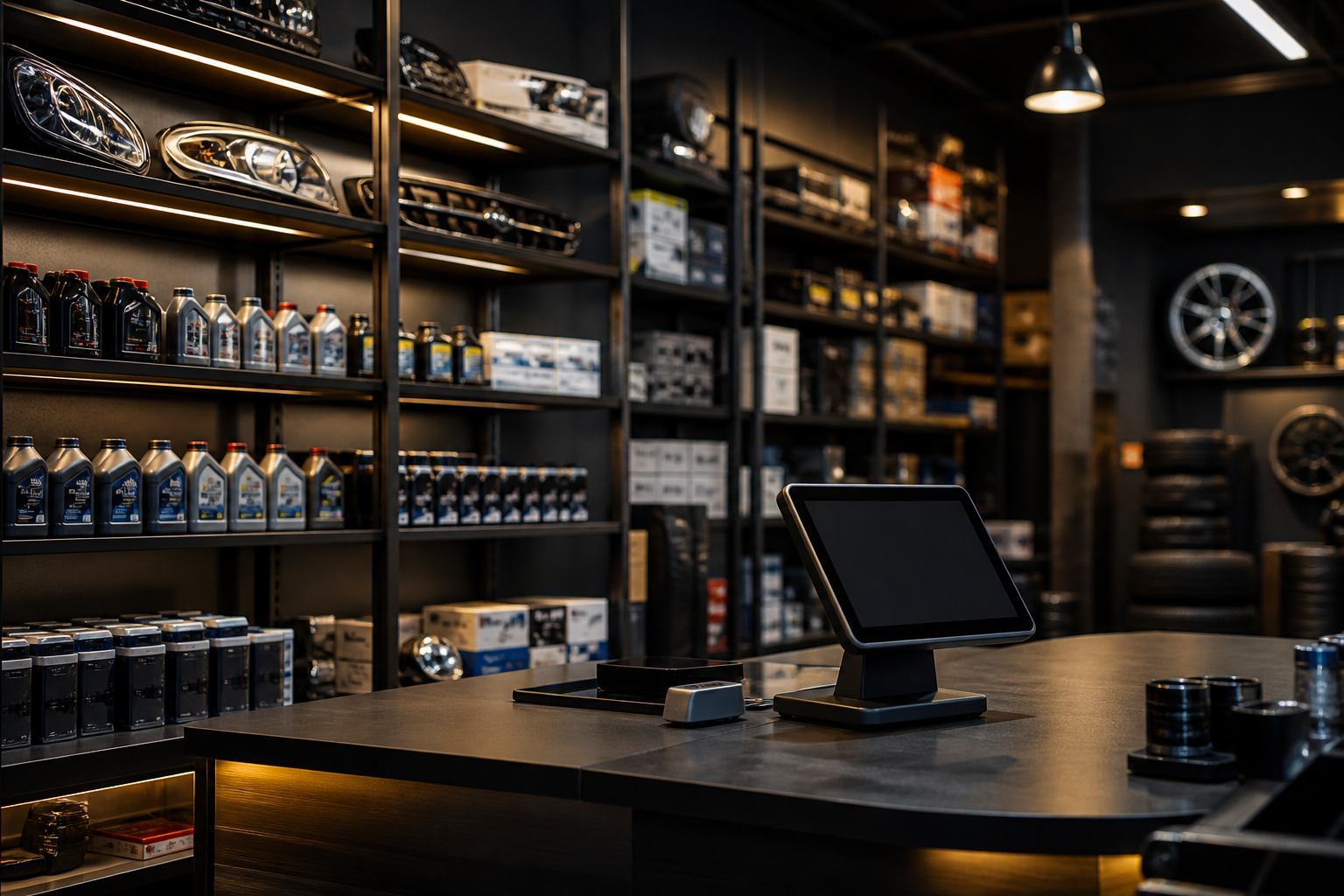
Built for auto parts retailers
Inventory, POS, procurement & your online shop — one platform, every branch.
Each partner gets a private workspace at yourshop.retailflag.com with its own database, branding, and role-based staff access.
Shop parts on the network storefront · Pricing is available on request — contact sales for a tailored quote. fahadirshad@retailflag.co.uk
Product
Everything in one workspace
From counter sales to procurement and your customer-facing shop — designed for multi-branch auto parts retailers.
Inventory & intake
Parts catalogue, stock ledger, and low-stock visibility.
Point of sale
Counter sales, credit, card terminal hooks, branch cashiers.
Procurement
Catalogue plans, POs, receiving, landed cost.
Online storefront
Customer-facing shop under your subdomain.
Network shop listing
In-stock parts also appear on shop.retailflag.com so customers can find you alongside other partner retailers.
Finance & HR
Ledger, expenses, payroll, attendance.
Multi-branch
Head office plus branch POS with staff quotas.
Digital invoicing (optional)
Each shop chooses: no tax on sales, tax recorded in Automotive books with manual invoices, or FBR/PRA digital invoicing (payloads queued here; Retail Flag Finance posts to IRIS / eIMS).
Optional add-on
Tax on goods, your invoicing path
Automotive already runs your counter, stock, and books. Sales tax is optional per shop: leave it off, charge the specified rate on every sale and issue invoices yourself, or queue FBR (goods / IRIS) or PRA (Punjab services) digital invoices. Retail Flag Finance remains the licensed posting path when you go live with the authority.
-
1
No tax, or tax in books
Default is no sales tax. Turn it on and every goods sale uses your rate; output tax posts to ledger account 2100.
-
2
Manual or digital invoices
Manual: shop receipts are the invoice. Digital: each sale is queued with an FBR/PRA payload (same shape as Finance).
-
3
IRIS / eIMS via Finance
Sandbox then production. Finance posts from the whitelisted egress; Automotive records the fiscal number on the receipt.
What stays optional
- POS receipts stay in Automotive for every invoicing mode, including fiscal ID once posted.
- FBR or PRA posting is a shop choice after tax is on — not required for tenants who invoice manually.
- You remain the taxpayer — Finance or the portal issues the digital invoice number; Automotive books the output tax.
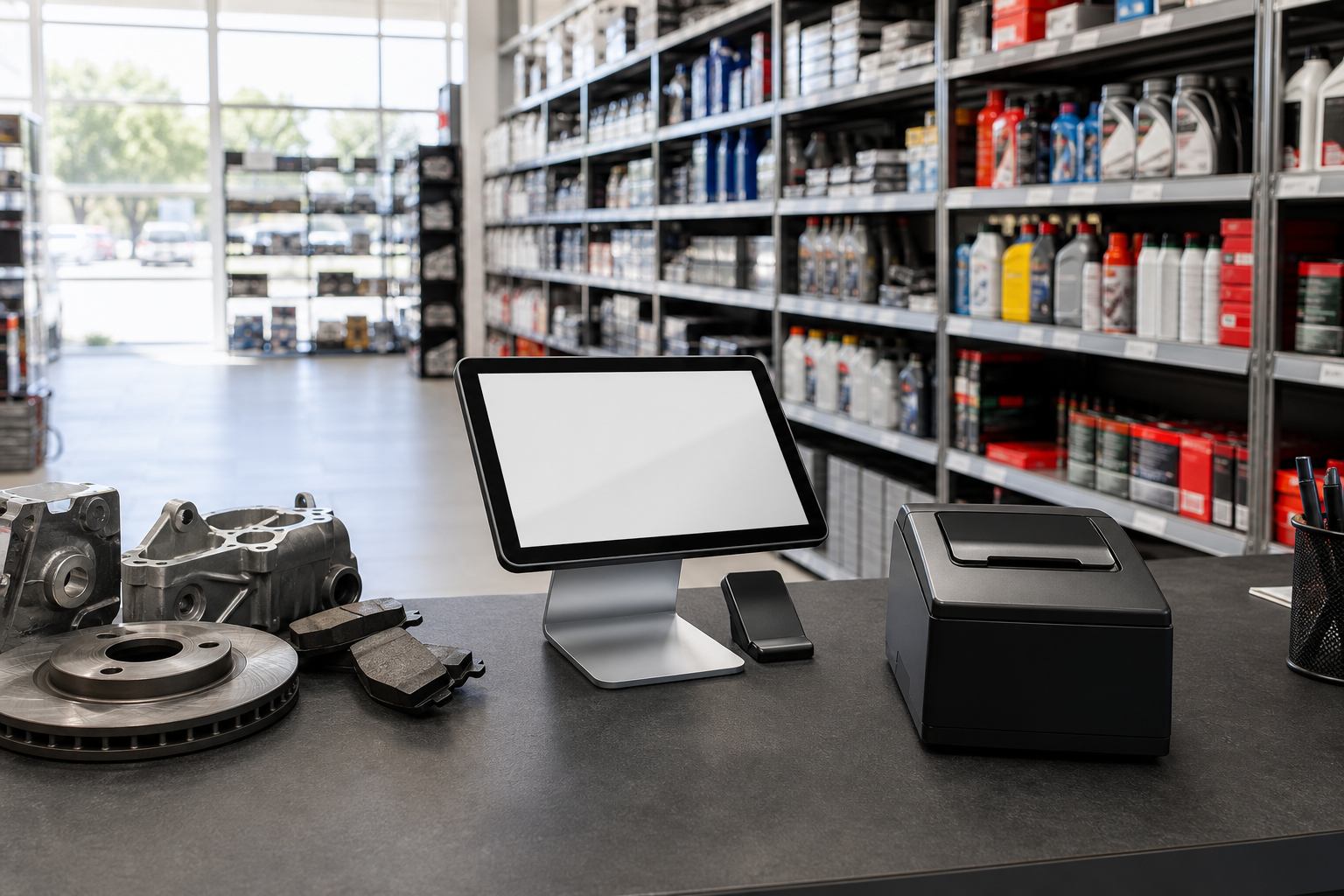
Point of sale
Sell at the counter with confidence
Fast checkout, credits, and branch cashiers — tied to the same live inventory.
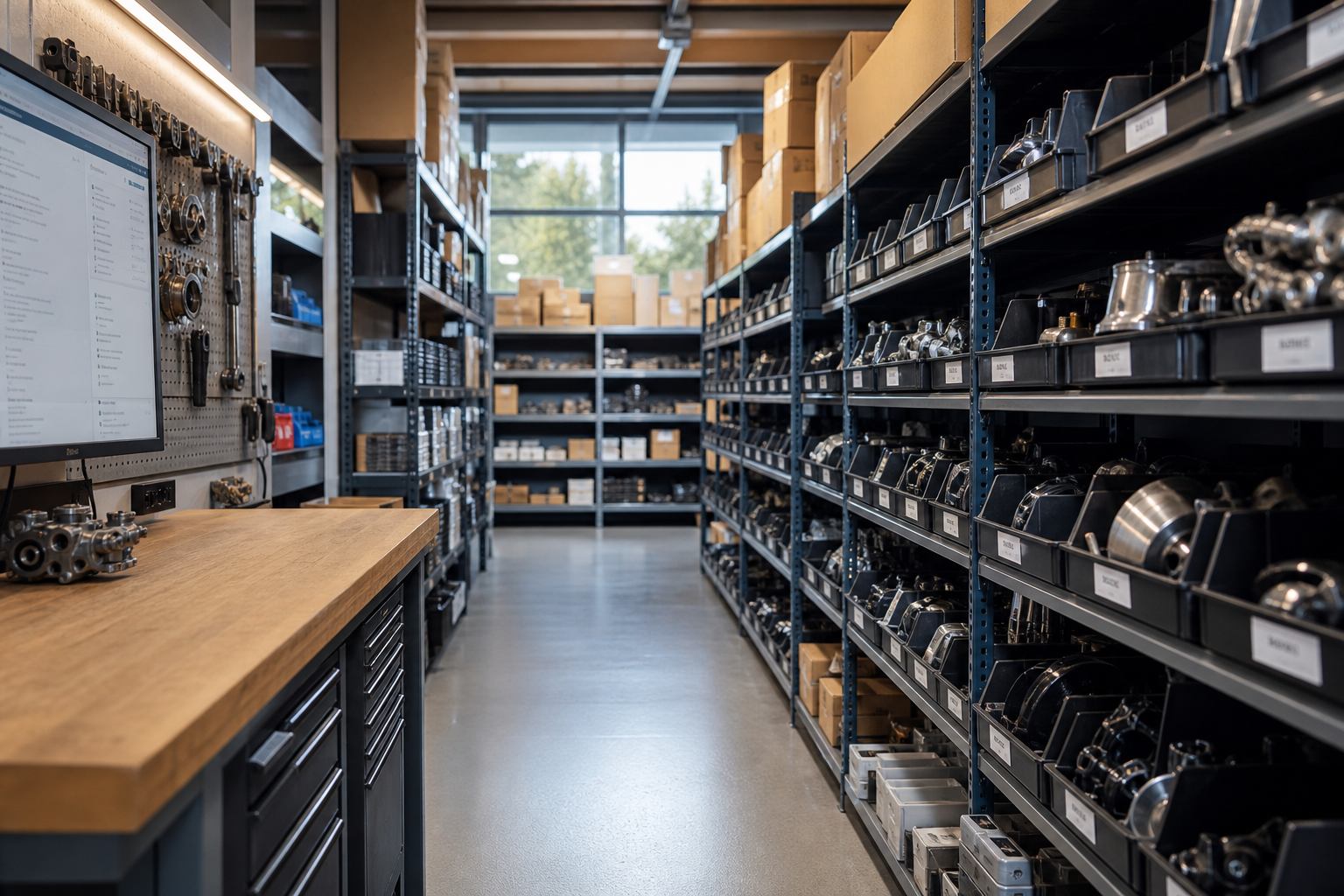
Inventory
Know what’s on the shelf
Catalogue, intake, and stock visibility across branches — so procurement stays ahead of demand.
Plans
Usage capacity tiers
Standard
5 GB included · 50,000 sales
Growth
20 GB included · 200,000 sales
Enterprise
100 GB included · Unlimited sales
Ready to run your parts business on Retail Flag?
Start a 14-day trial or talk to sales for a tailored quote.